




Bridge for Phidgets
Sense and control the physical
world with smart Phidgets devices
world with smart Phidgets devices
Bridge for Phidgets Overview
Bridge for Phidgets allows FileMaker Pro to interact with various Phidgets boards to let your solution control physical devices and physical devices to control your solution.
- Read and write RFID tags to track goods, assets and people
- Capture sensor data to collect environmental data such as temperature or force
- Control servo and stepper motors to automate moving parts of robots and machines
- Read digital and analog inputs to control your solution by physical controls
- Set digital and analog outputs to switch lights and other electrical devices
- Display text on an LCD display to create custom user interface such as cashbox
- Control phidgets over network to use sensors and devices located farther from your computer
- Compatibility with VINT lets you use the latest Phidgets devices
- Comatibility with iOS lets you control Phidgets directly from iPhone or iPad
- Compatibility with FileMaker Server lets you capture sensor data and control stuff 24/7
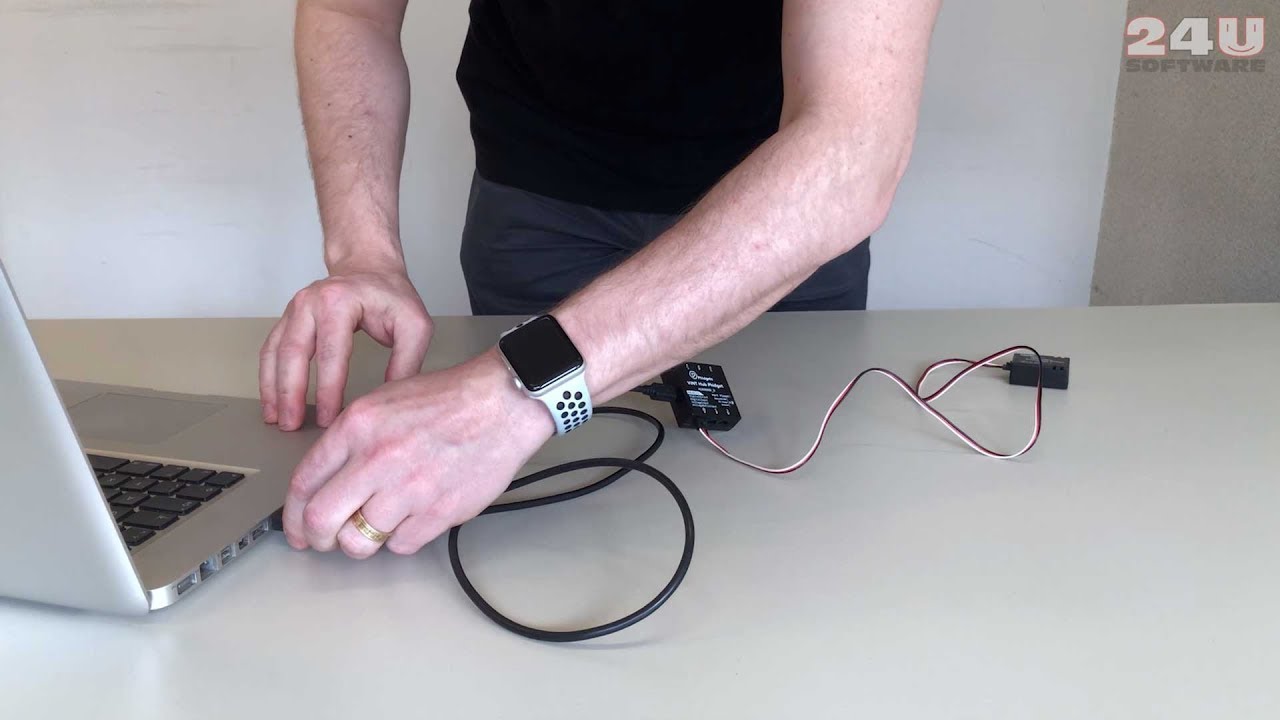


Read and Write RFID Tags
With Bridge for Phidgets and the PhidgetRFID board you can read and write to RFID tags up to 6cm away. The latest board revision supports EM4100 series, ISO11785 FDX-B and PhidgetTag protocols and writes to T5577 tags.
By accessing the RFID tags directly your FileMaker solution can easily track people, animals, goods, assets, and other identifiable physical items, such as documents, faster than by typing their IDs on the keyboard.
Capture data from sensors
Bridge for Phidgets lets your FileMaker solution use Phidgets I/O Boards to read data from variety of environmental sensors, either upon request, or by triggering a script when some sensor’s value exceeds certain limit.
By reading sensor values, your FileMaker solution can collect environmental data such as temperature, force, or pressure, or respond to unexpected events in the physical world, such as overheating your lab or insufficient humidity in your greenhouse.
Control Servo and Stepper Motors
The Phidgets Servo and Stepper controllers are supported to control servo and stepper motors or actuators directly from FileMaker.
By controlling motors and actuators your FileMaker solution can literally move things in the physical world, such as window shaders or machine parts. You can even design an automated CNC lathe or cutter controlled solely by FileMaker.
Read Digital and Analog Inputs
Bridge for Phidgets can use the Phidgets I/O boards to read both digital and analog signal inputs. Digital inputs can be used to read the on/off state of buttons or switched while analog inputs can, in addition to sensor values, read the state of input devices such as knobs and sliders.
Whether you’re designing a point-of-sale terminal or an entertainment solution such as bowling, being able to read signals lets you design a completely customized physical interface while still running a FileMaker solution on the backend.
Set Digital and Analog Outputs
The Phidgets I/O boards with digital outputs can be controlled by Bridge for Phidgets to set the on/off state of up to 16 digital outputs per board. The digital outputs can be used to control electronic circuits as well as to switch high-current electrical devices using relays.
By controlling digital outputs your FileMaker solution can switch lights, turn on the heating or air condition, open doors, or allow and disallow the use of any electrically powered devices, all based on the data in your database.
Display Text on LCD Display
You can use Bridge for Phidgets to display text on an LCD screen through the PhidgetTextLCD board.
If you’re designing a FileMaker based point-of-sale or entertainment solution, being able to display text on a small LCD display now lets you create a fully customized hardware terminal and even control multiple terminals from a single copy of FileMaker Pro.
Control Phidgets Over Network
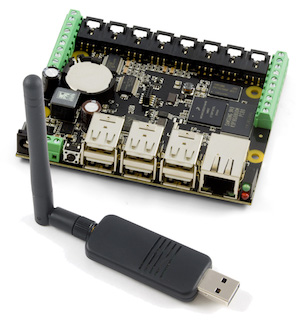
With Bridge for Phidgets you can now connect to a remote PhidgetSBC, Wireless VINT Hub, or a Phidget WebService equipped computer and access any compatible Phidgets boards connected there.
By being able to connect to Phidgets over network your solution can now access sensors and control located farther from your computer, such as sensors in a factory or plant field, or door locks in the whole building.
Support for VINT Devices
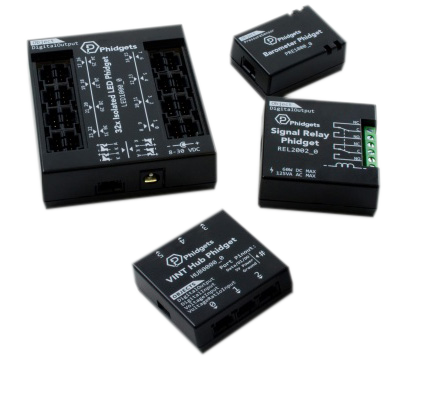
Bridge for Phidgets fully supports the new VINT digital technology. VINT stands for Versatile Interface, and it’s the system that all modern Phidgets use to communicate. VINT makes the Phidgets devices more versatile and more affordable.
The same VINT port interface can work as like digital input, digital output, analog output or as a smart VINT port, which you can connect other devices to.
Support for iOS
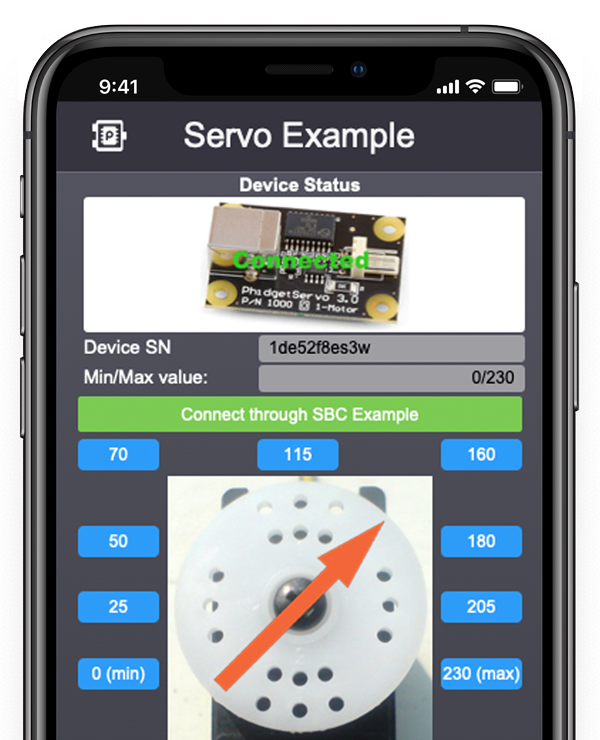
Starting from version 3.1 you can include Bridge for Phidgets in native apps build using the iOS app SDK.
Having the plug-in included in native iOS apps allows you to incorporate interaction with Phidgets devices even into your FileMaker apps running on iPhone or iPad.
Support for FileMaker Server
Starting from version 4, Bridge for Phidgets can be used on FileMaker without any client connected. It can access Phidgets from server-side scripts but also create data records and trigger scripts based on input from sensors and other devices.
Bridge for Phidgets being able to operate server-side enables FileMaker Server to become the core of a fully automated solution, capturing sensor data 24 hours a day, 7 hours a week, and controlling stuff like door locks, cooling systems, or even production lines.
Learn how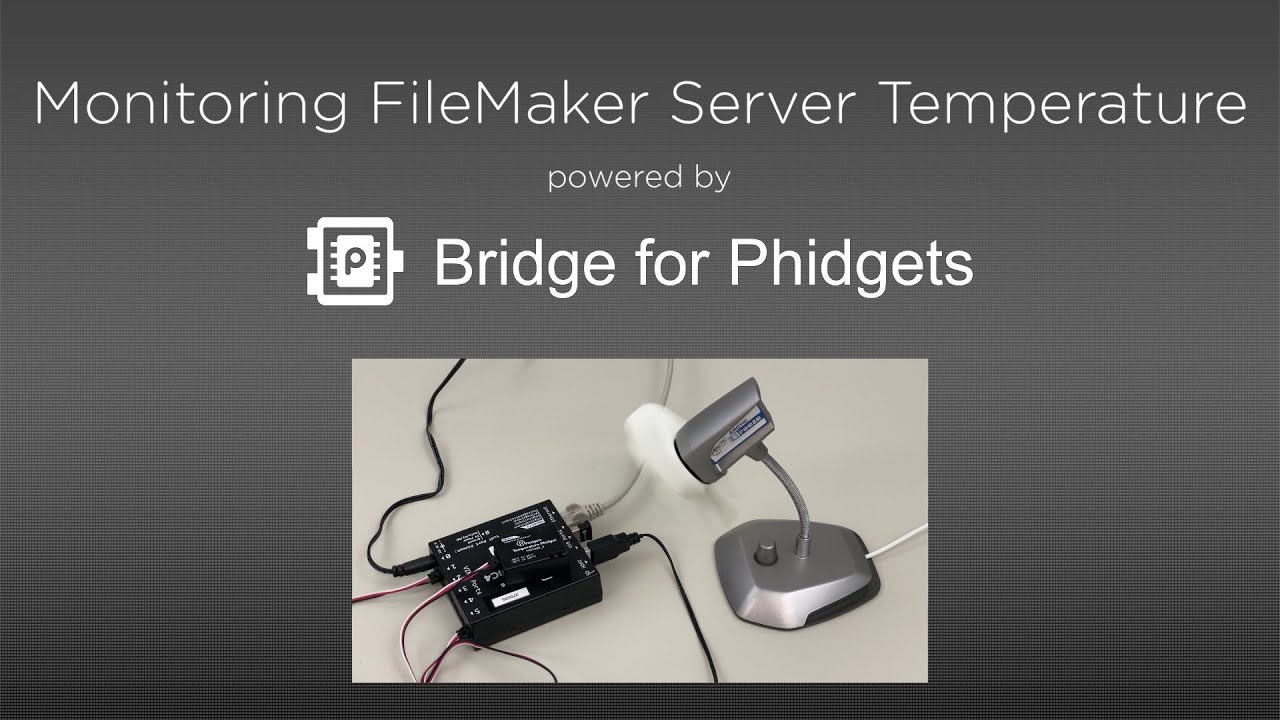
Buy
Download software & documentation
Contact us
Looking for something not listed above? Contact us with your requirements, we can develop a custom plug-in or tool tailored to your specific needs.
 Call
Callus
+420 608 301 880
Usually available on working days between 7am and 5pm GMT
We'll call you back if you call from a discoverable phone number and fail to reach us
 Let us
call you
