




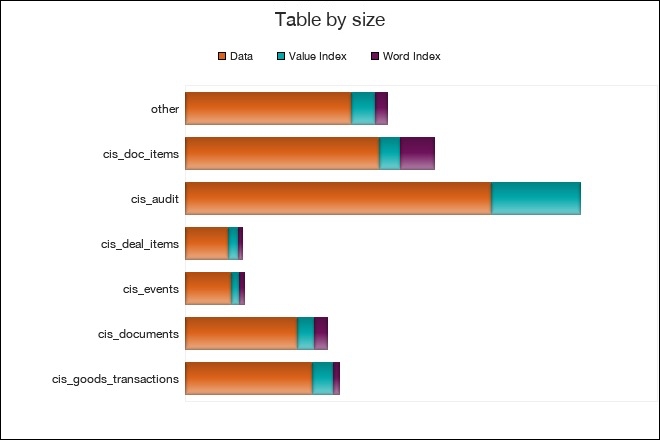
Every database grows over time. But it doesn’t always grow in a reasonable way. Have you ever discovered that your FileMaker database has become much larger than you expected, without having any idea why?
FileMaker is great because it lets you keep everything under one roof. Structure, data, business logic, design, all can be stored in a single file. But this advantage can turn into a nightmare when you suddenly find your file has reached 50 GB and you have no clue what consumed all that space.
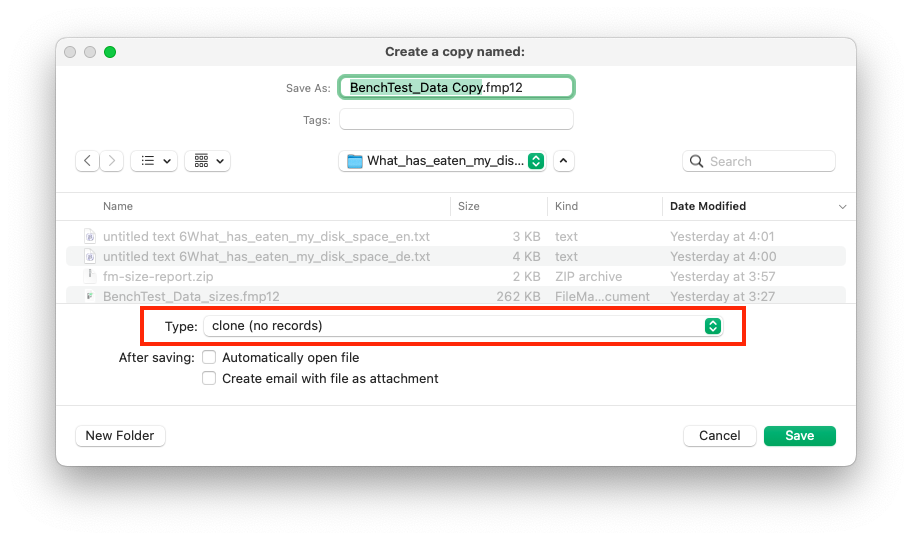
You can easily distinguish between data and schema. Simply save your database as a clone, and the clone’s size will reflect the schema (structure, logic, and design). In rare cases you may find that even the clone is unusually large. In that case the culprit is probably oversized graphics on layouts. But more often, it’s the data that accounts for most of the file size.
But which parts of the database are taking up all that space? And which of them are doing so unnecessarily and could be deleted or compacted? In the past, the fastest way to find out was to copy the database and delete half of it. Then you could see whether the deleted half or the remaining half took up more space.
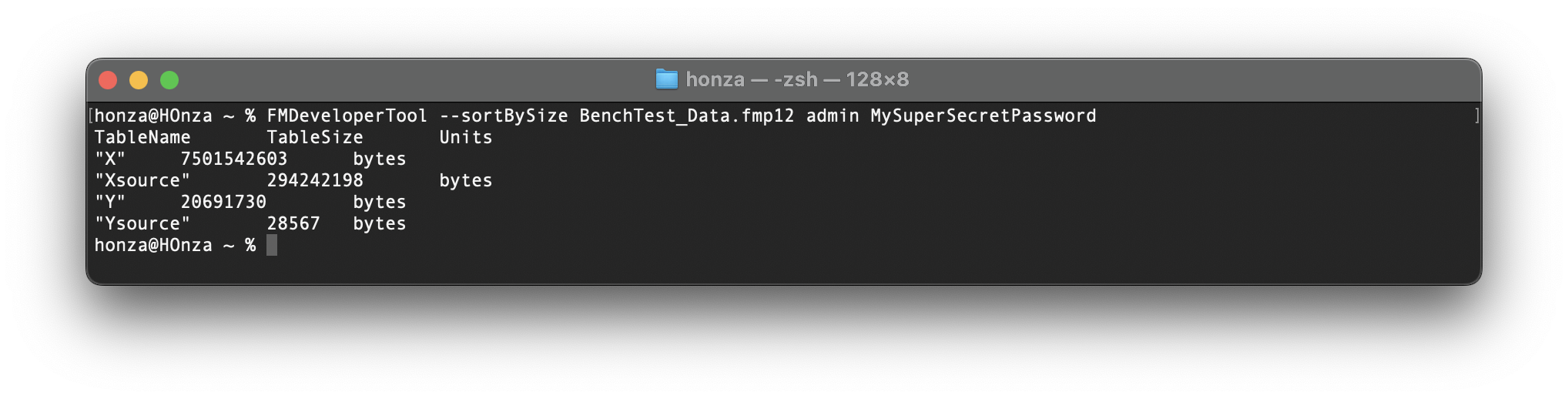
Fortunately, FileMaker Server 21.1.1, released in November 2024, added new parameters to the FileMaker Developer Tool. Since then, you can use the tool with the --querySize parameter to find out how much space is occupied by the data and indexes of a specific table or field. Another parameter, --sortBySize, can list all tables with their sizes, or all fields of a specific table.
The tool provides very useful information but, at least as of version 22.0.3, it cannot display all of it at once. The --sortBySize parameter without specifying a table name will give you a list of all tables and their sizes, but it won’t tell you how much space their indexes occupy.
If you specify a table using the -target_tablename parameter, you will get a list of all fields and the amount of space used by their values.
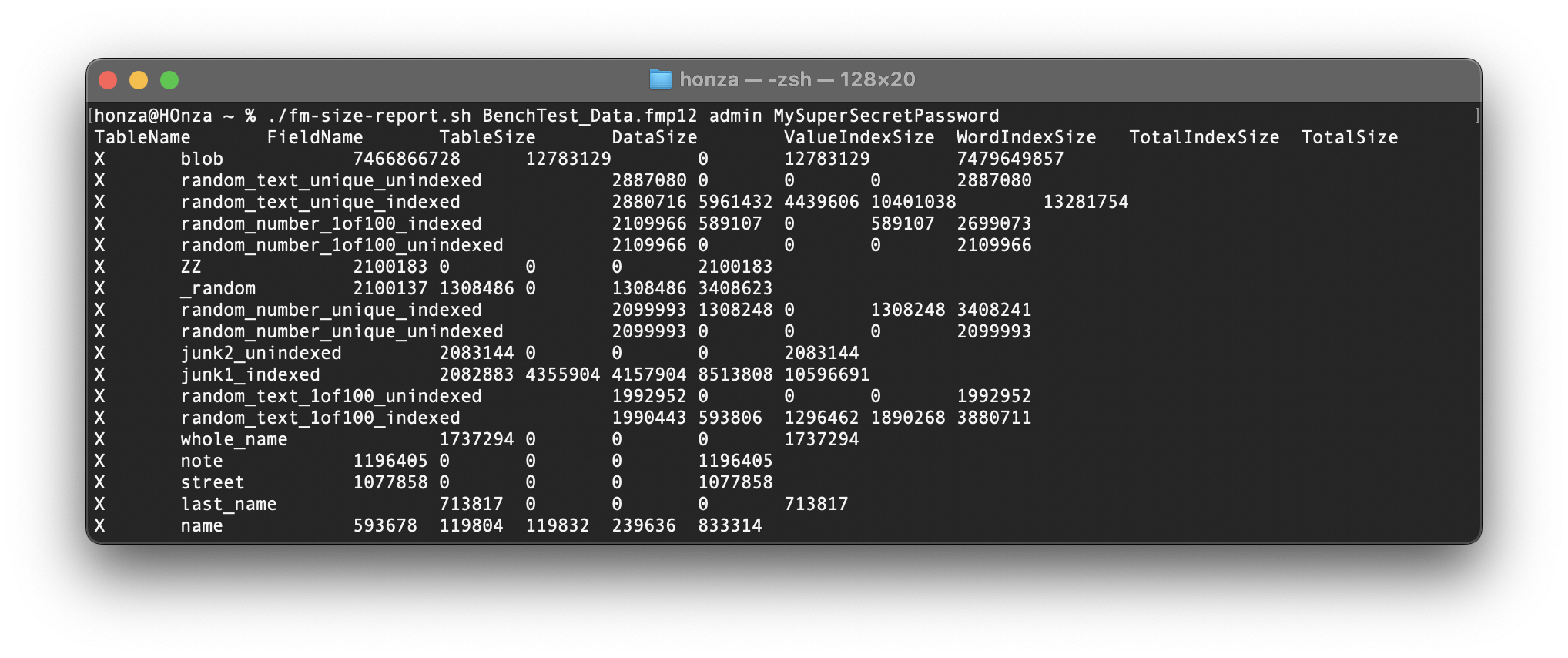
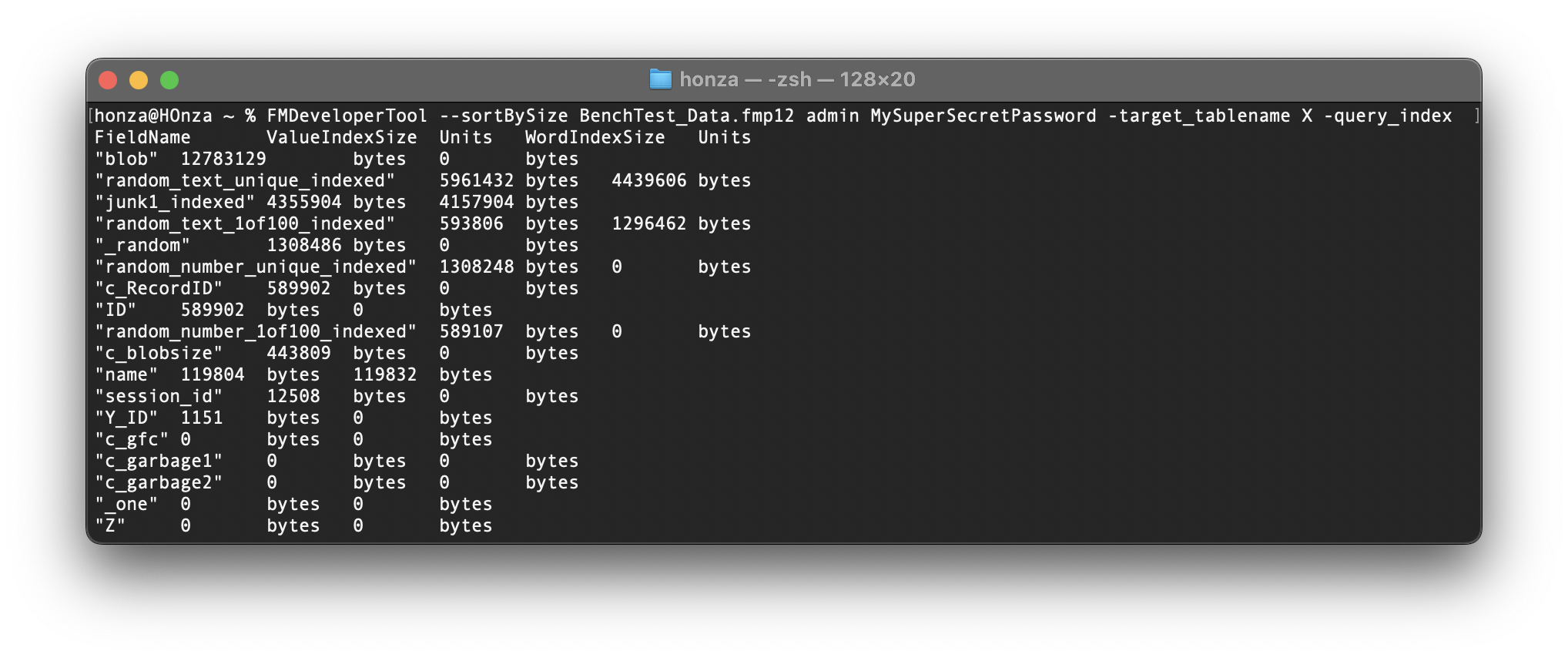
When you add the -query_index parameter, you will get the index sizes of individual fields, but not the value sizes.
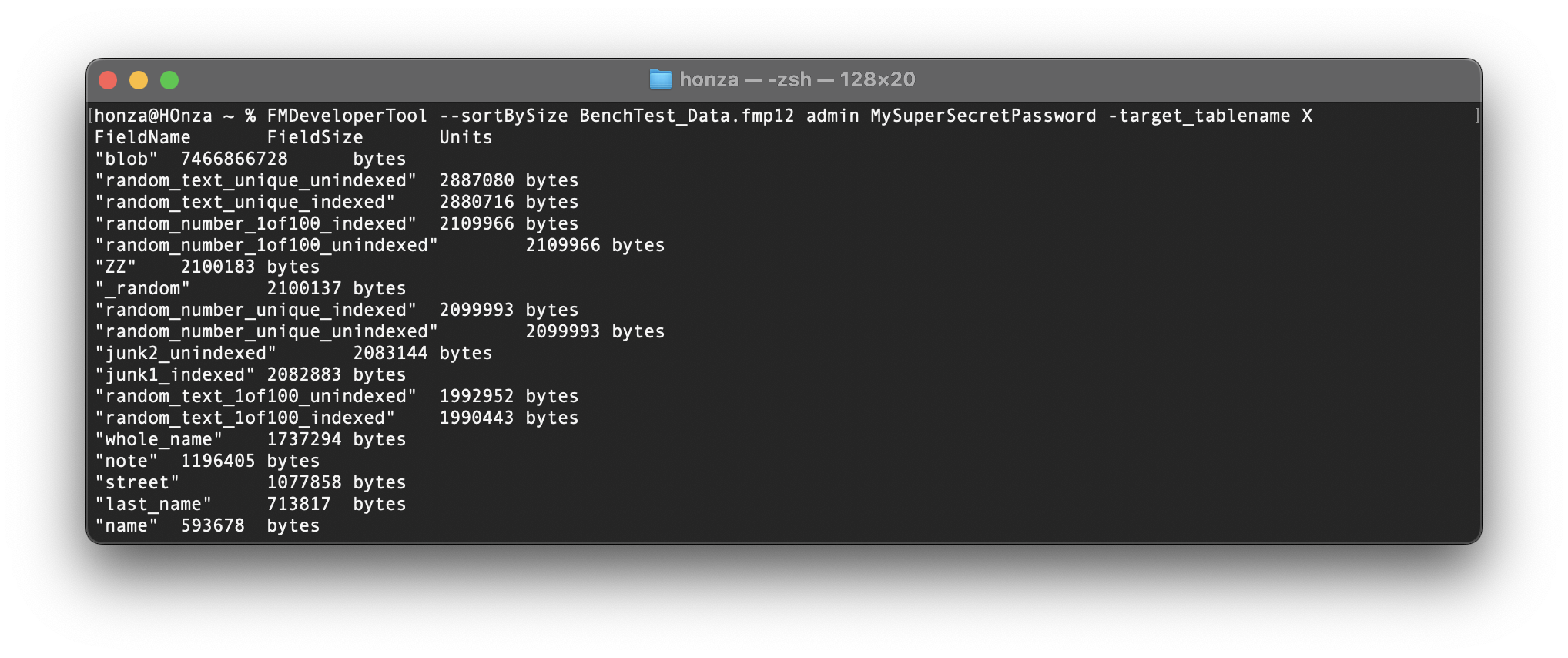
So, to create a complete breakdown of all space used by your database’s data and indexes, you must first run the --sortBySize parameter without specifying a table to get the list of all tables, and then run it twice more for each table.
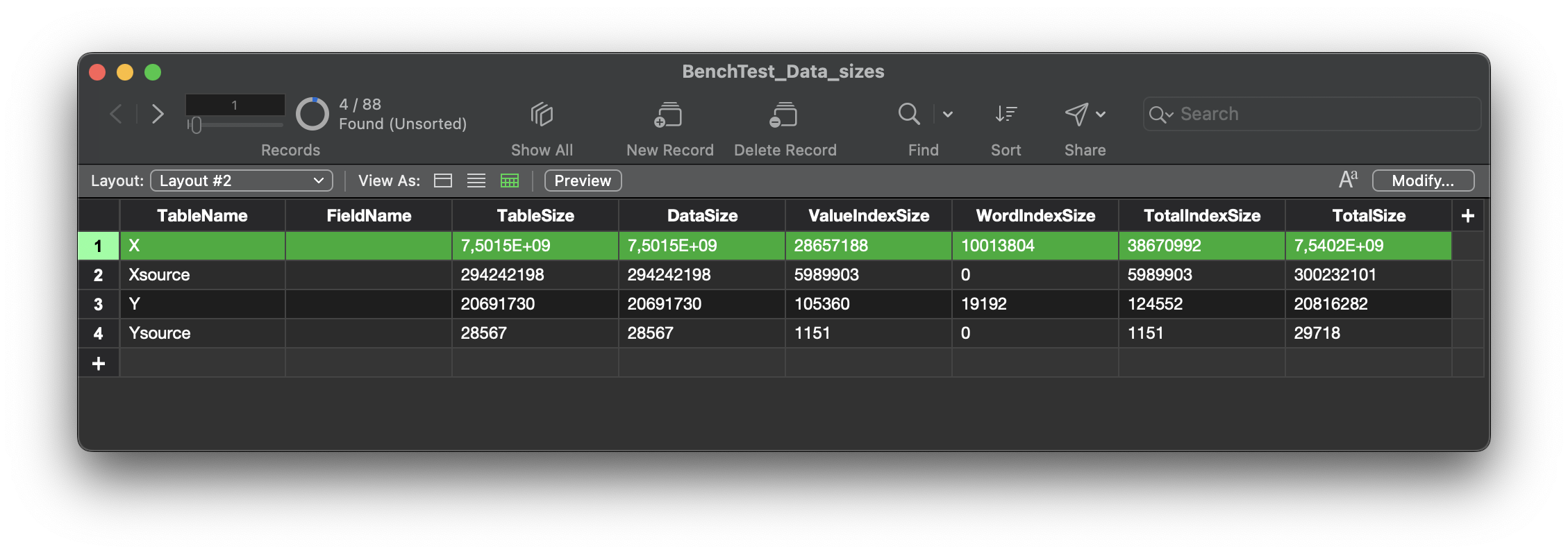
To avoid doing this manually—which you probably don’t want to do for 100 or more tables—you can download my Shell script that handles everything for you and saves the results in a tab-delimited list of the following eight values: TableName, FieldName, TableSize, DataSize, ValueIndexSize, WordIndexSize, TotalIndexSize, TotalSize.
You can then easily import this into a FileMaker database, sort it by total bytes used, and find out what has consumed your space. Totals for each table are included as records with empty FieldName.
The tool isn’t particularly fast, that's definitely something Claris can improvove. For files several gigabytes in size, generating results may take minutes or even hours. Interestingly, getting the first list of tables and their sizes takes longer than looping through all of them and getting their sizes individually. I've suggested Claris to combine all the information into a single call, so that my shell script is not even needed. But for now, the insight you gain is definitely worth the wait even today.
Do you have a big database to try it on? Let me know your experience once you do, I'll be glad to learn how my script has helped you.